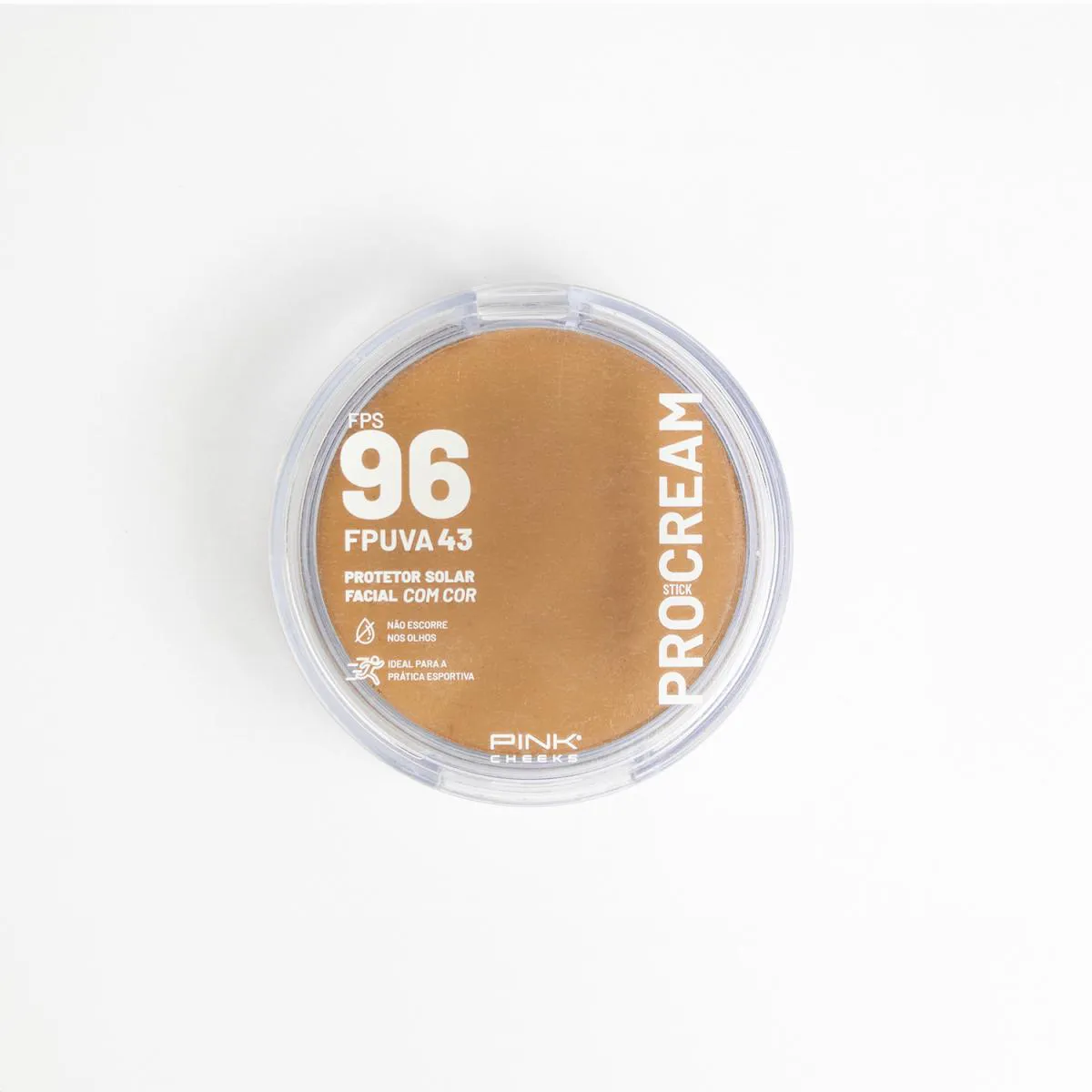
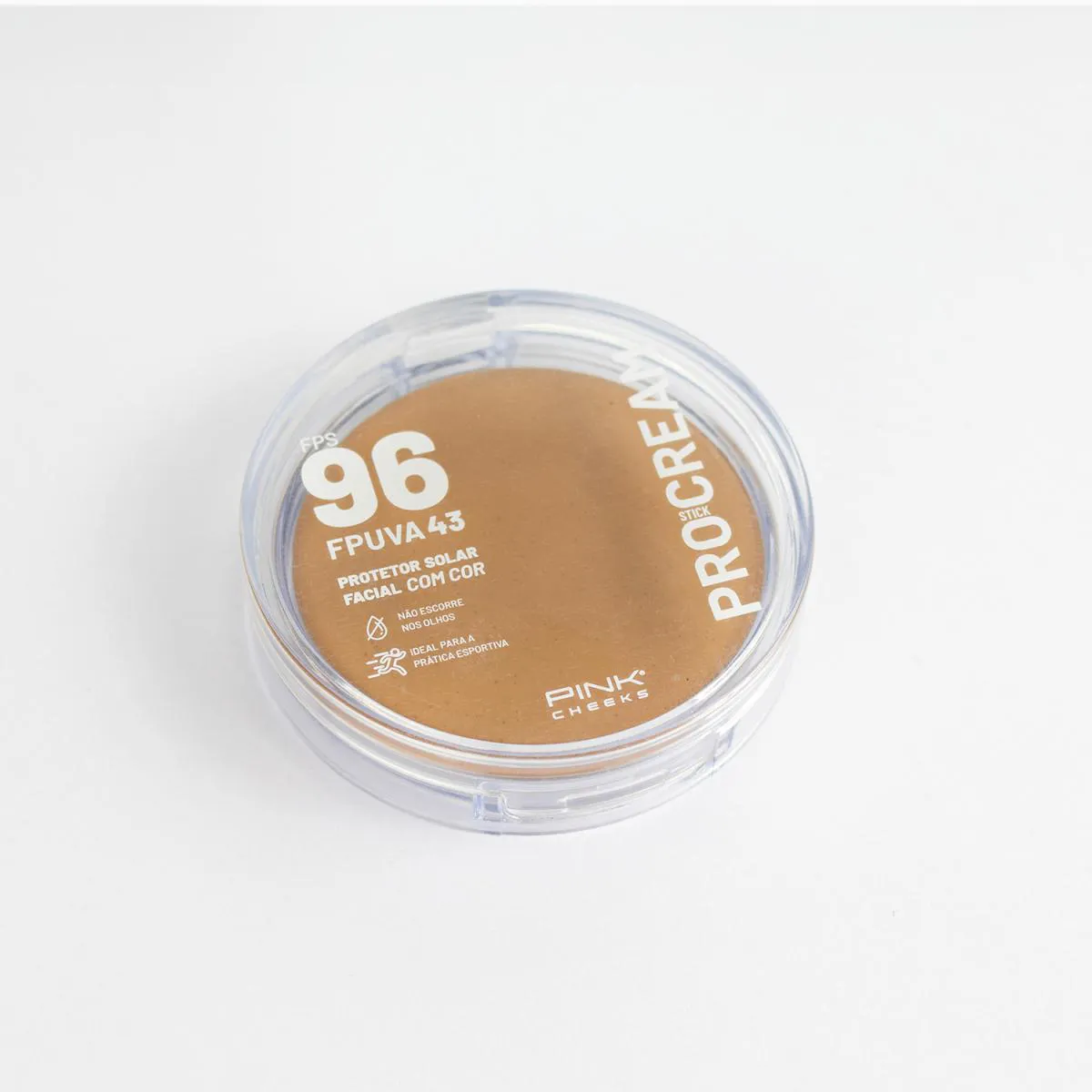
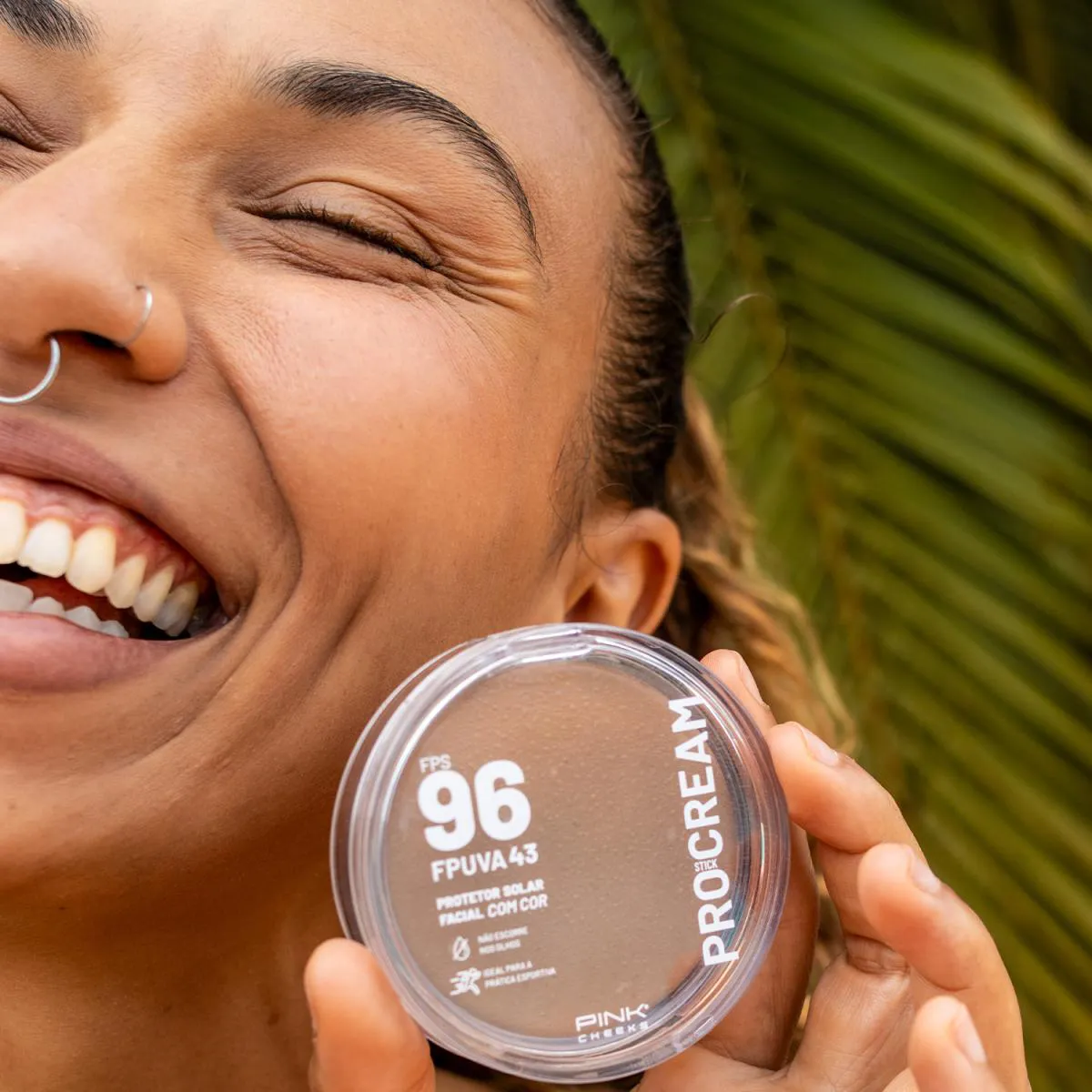

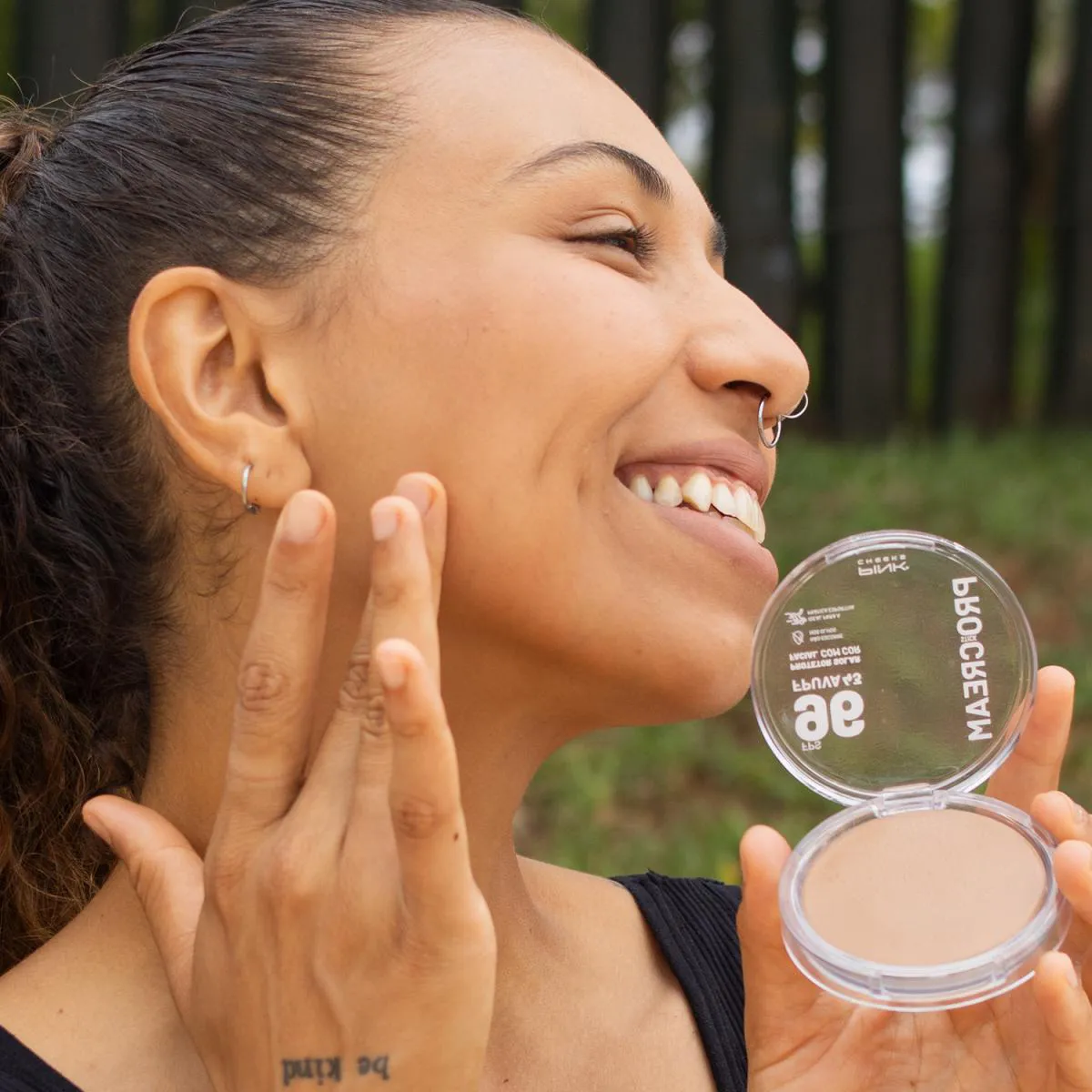
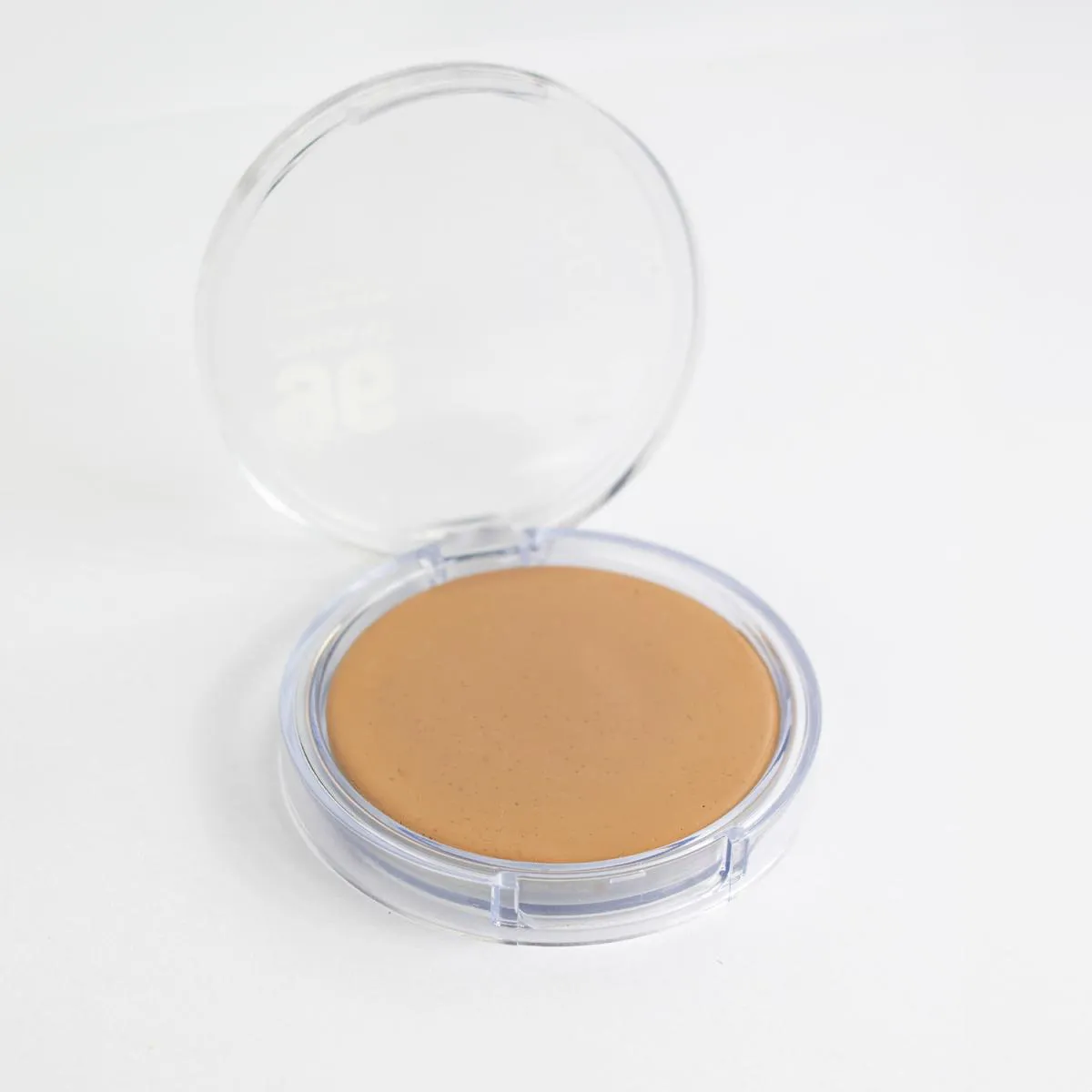
Pro Cream Protetor Solar Multifuncional Fps96 Fpuva43 14G - Pro20
R$ 119,90
Pink Cheeks
Vendido e entregue por
A Raia garante a sua compra
Pro Cream Protetor Solar Multifuncional FPS96 FPUVA43 14g - PRO20
Descrição do produto
O que é e para que serve o Pro Cream protetor solar Multifuncional Fps96 Fpuva43 14G - Pro20?
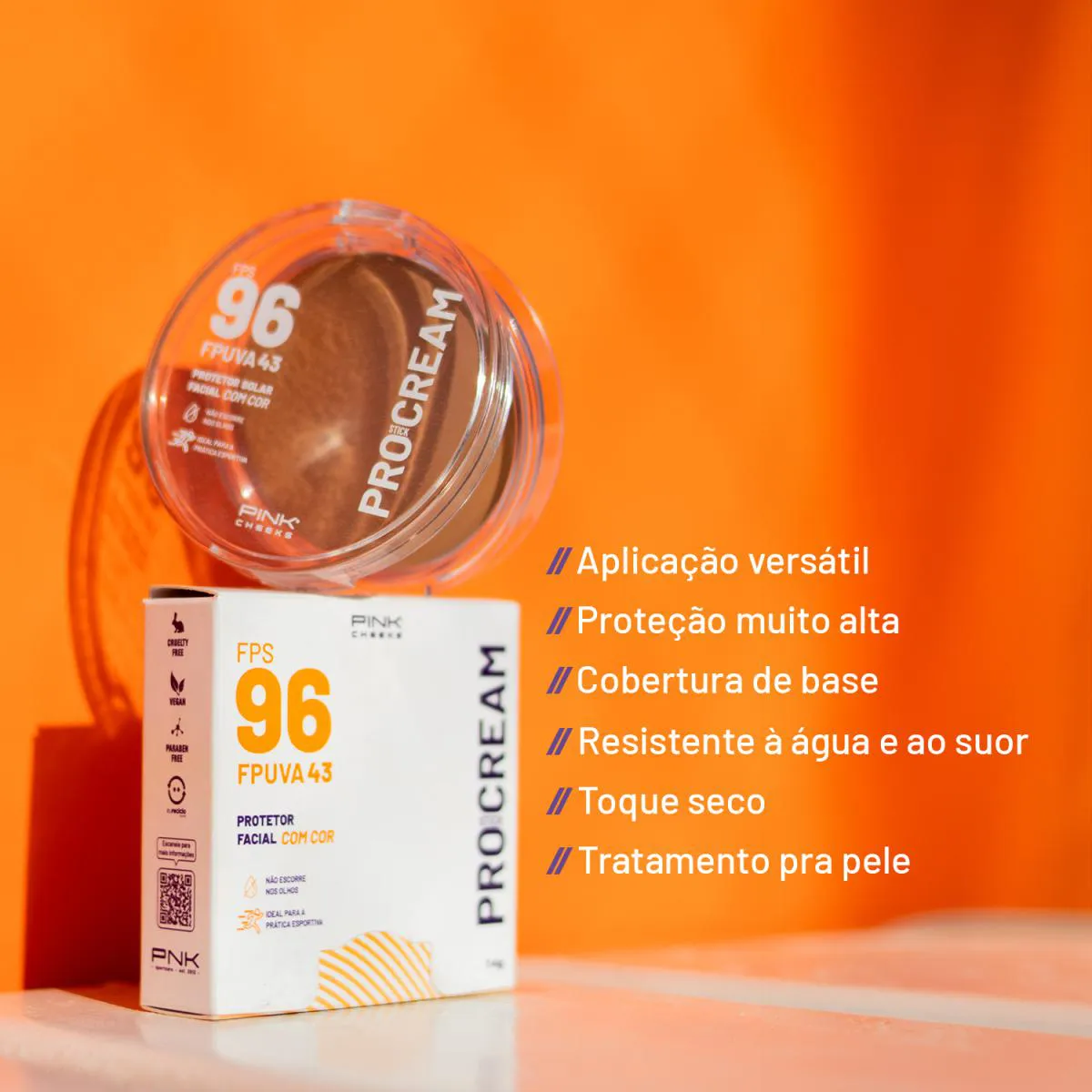
O Pro Cream Protetor Solar Multifuncional Fps96 Fpuva43 14G - Pro20 é um protetor solar multifuncional que oferece proteção solar com FPS 96 e FPUVA 43. Ele serve para proteger a pele contra os danos causados pelos raios UV, mantendo-a hidratada e saudável.
Benefícios
- Protege a pele contra os danos causados pelos raios UVA e UVB com FPS 96 e FPUVA 43.
- Possui fórmula multifuncional que hidrata e nutre a pele, proporcionando uma aparência saudável e rejuvenescida.
- Sua textura leve e não oleosa facilita a aplicação e absorção, sem deixar a# README.md # Tic Tac Toe This is a simple Tic Tac Toe game built using HTML, CSS, and JavaScript. The game allows two players to take turns placing their marks (X and O) on a 3x3 grid, with the goal of getting three of their marks in a row (horizontally, vertically, or diagonally). ## Features - Two-player gameplay - Automatic detection of winner or tie - Reset button to start a new game ## How to Play 1. Open the `index.html` file in your web browser. 2. The game will start with Player 1 (X) making the first move. 3. Click on an empty cell to place your mark. 4. The game will alternate between Player 1 (X) and Player 2 (O) until a winner is determined or the game ends in a tie. 5. If a player wins or the game ends in a tie, a message will be displayed. 6. Click the "Reset" button to start a new game. ## Technologies Used - HTML - CSS - JavaScript ## Acknowledgments This project was inspired by various Tic Tac Toe tutorials and examples found online. ## License This project is licensed under the [MIT License](LICENSE). End File# script.js // Get all the cells const cells = document.querySelectorAll('.cell'); // Get the game status element const gameStatus = document.getElementById('game-status'); // Get the reset button const resetButton = document.getElementById('reset-button'); // Initialize the game state let currentPlayer = 'X'; let gameBoard = ['', '', '', '', '', '', '', '', '']; let gameOver = false; // Function to handle a cell click function handleCellClick(event) { const cell = event.target; const index = Array.from(cells).indexOf(cell); // Check if the cell is empty and the game is not over if (gameBoard[index] === '' && !gameOver) { // Update the game board gameBoard[index] = currentPlayer; cell.textContent = currentPlayer; // Check for a winner if (checkWinner()) { gameStatus.textContent = `Player ${currentPlayer} wins!`; gameOver = true; } else if (checkTie()) { gameStatus.textContent = 'It\'s a tie!'; gameOver = true; } else { // Switch the current player currentPlayer = currentPlayer === 'X' ? 'O' : 'X'; gameStatus.textContent = `Player ${currentPlayer}'s turn`; } } } // Function to check for a winner function checkWinner() { const winningCombos = [ [0, 1, 2], [3, 4, 5], [6, 7, 8], // Horizontal [0, 3, 6], [1, 4, 7], [2, 5, 8], // Vertical [0, 4, 8], [2, 4, 6] // Diagonal ]; return winningCombos.some(combo => combo.every(index => gameBoard[index] === currentPlayer) ); } // Function to check for a tie function checkTie() { return gameBoard.every(cell => cell !== ''); } // Function to reset the game function resetGame() { gameBoard = ['', '', '', '', '', '', '', '', '']; currentPlayer = 'X'; gameOver = false; cells.forEach(cell => cell.textContent = ''); gameStatus.textContent = 'Player X\'s turn'; } // Add event listeners cells.forEach(cell => cell.addEventListener('click', handleCellClick)); resetButton.addEventListener('click', resetGame); End File# style.css body { font-family: Arial, sans-serif; display: flex; flex-direction: column; align-items: center; justify-content: center; height: 100vh; margin: 0; background-color: #f0f0f0; } .game-container { display: grid; grid-template-columns: repeat(3, 1fr); grid-gap: 10px; margin-bottom: 20px; } .cell { width: 100px; height: 100px; background-color: #fff; border: 1px solid #ccc; display: flex; align-items: center; justify-content: center; font-size: 48px; font-weight: bold; cursor: pointer; } .cell:hover { background-color: #f0f0f0; } #game-status { font-size: 24px; margin-bottom: 20px; } #reset-button { padding: 10px 20px; font-size: 16px; background-color: #4CAF50; color: #fff; border: none; border-radius: 4px; cursor: pointer; } #reset-button:hover { background-color: #45a049; } # README.md # Tic Tac Toe This is a simple Tic Tac Toe game built using HTML, CSS, and JavaScript. The game allows two players to take turns placing their marks (X and O) on a 3x3 grid, with the goal of getting three of their marks in a row (horizontally, vertically, or diagonally). ## Features - Two-player gameplay - Automatic detection of winner or tie - Reset button to start a new game ## How to Play 1. Open the `index.html` file in your web browser. 2. The game will start with Player 1 (X) making the first move. 3. Click on an empty cell to place your mark. 4. The game will alternate between Player 1 (X) and Player 2 (O) until a winner is determined or the game ends in a tie. 5. If a player wins or the game ends in a tie, a message will be displayed. 6. Click the "Reset" button to start a new game. ## Technologies Used - HTML - CSS - JavaScript ## Acknowledgments This project was inspired by various Tic Tac Toe tutorials and examples found online. ## License This project is licensed under the [MIT License](LICENSE). End File# script.js // Get all the cells const cells = document.querySelectorAll('.cell'); // Get the game status element const gameStatus = document.getElementById('game-status'); // Get the reset button const resetButton = document.getElementById('reset-button'); // Initialize the game state let currentPlayer = 'X'; let gameBoard = ['', '', '', '', '', '', '', '', '']; let gameOver = false; // Function to handle a cell click function handleCellClick(event) { const cell = event.target; const index = Array.from(cells).indexOf(cell); // Check if the cell is empty and the game is not over if (gameBoard[index] === '' && !gameOver) { // Update the game board gameBoard[index] = currentPlayer; cell.textContent = currentPlayer; // Check for a winner if (checkWinner()) { gameStatus.textContent = `Player ${currentPlayer} wins!`; gameOver = true; } else if (checkTie()) { gameStatus.textContent = 'It\'s a tie!'; gameOver = true; } else { // Switch the current player currentPlayer = currentPlayer === 'X' ? 'O' : 'X'; gameStatus.textContent = `Player ${currentPlayer}'s turn`; } } } // Function to check for a winner function checkWinner() { const winningCombos = [ [0, 1, 2], [3, 4, 5], [6, 7, 8], // Horizontal [0, 3, 6], [1, 4, 7], [2, 5, 8], // Vertical [0, 4, 8], [2, 4, 6] // Diagonal ]; return winningCombos.some(combo => combo.every(index => gameBoard[index] === currentPlayer) ); } // Function to check for a tie function checkTie() { return gameBoard.every(cell => cell !== ''); } // Function to reset the game function resetGame() { gameBoard = ['', '', '', '', '', '', '', '', '']; currentPlayer = 'X'; gameOver = false; cells.forEach(cell => cell.textContent = ''); gameStatus.textContent = 'Player X\'s turn'; } // Add event listeners cells.forEach(cell => cell.addEventListener('click', handleCellClick)); resetButton.addEventListener('click', resetGame); End File# style.css body { font-family: Arial, sans-serif; display: flex; flex-direction: column; align-items: center; justify-content: center; height: 100vh; margin: 0; background-color: #f0f0f0; } .game-container { display: grid; grid-template-columns: repeat(3, 1fr); grid-gap: 10px; margin-bottom: 20px; } .cell { width: 100px; height: 100px; background-color: #fff; border: 1px solid #ccc; display: flex; align-items: center; justify-content: center; font-size: 48px; font-weight: bold; cursor: pointer; } .cell:hover { background-color: #f0f0f0; } #game-status { font-size: 24px; margin-bottom: 20px; } #reset-button { padding: 10px 20px; font-size: 16px; background-color: #4CAF50; color: #fff; border: none; border-radius: 4px; cursor: pointer; } #reset-button:hover { background-color: #45a049; } # README.md # Tic Tac Toe This is a simple Tic Tac Toe game built using HTML, CSS, and JavaScript. The game allows two players to take turns placing their marks (X and O) on a 3x3 grid, with the goal of getting three of their marks in a row (horizontally, vertically, or diagonally). ## Features - Two-player gameplay - Automatic detection of winner or tie - Reset button to start a new game ## How to Play 1. Open the `index.html` file in your web browser. 2. The game will start with Player 1 (X) making the first move. 3. Click on an empty cell to place your mark. 4. The game will alternate between Player 1 (X) and Player 2 (O) until a winner is determined or the game ends in a tie. 5. If a player wins or the game ends in a tie, a message will be displayed. 6. Click the "Reset" button to start a new game. ## Technologies Used - HTML - CSS - JavaScript ## Acknowledgments This project was inspired by various Tic Tac Toe tutorials and examples found online. ## License This project is licensed under the [MIT License](LICENSE). End File# script.js // Get all the cells const cells = document.querySelectorAll('.cell'); // Get the game status element const gameStatus = document.getElementById('game-status'); // Get the reset button const resetButton = document.getElementById('reset-button'); // Initialize the game state let currentPlayer = 'X'; let gameBoard = ['', '', '', '', '', '', '', '', '']; let gameOver = false; // Function to handle a cell click function handleCellClick(event) { const cell = event.target; const index = Array.from(cells).indexOf(cell); // Check if the cell is empty and the game is not over if (gameBoard[index] === '' && !gameOver) { // Update the game board gameBoard[index] = currentPlayer; cell.textContent = currentPlayer; // Check for a winner if (checkWinner()) { gameStatus.textContent = `Player ${currentPlayer} wins!`; gameOver = true; } else if (checkTie()) { gameStatus.textContent = 'It\'s a tie!'; gameOver = true; } else { // Switch the current player currentPlayer = currentPlayer === 'X' ? 'O' : 'X'; gameStatus.textContent = `Player ${currentPlayer}'s turn`; } } } // Function to check for a winner function checkWinner() { const winningCombos = [ [0, 1, 2], [3, 4, 5], [6, 7, 8], // Horizontal [0, 3, 6], [1, 4, 7], [2, 5, 8], // Vertical [0, 4, 8], [2, 4, 6] // Diagonal ]; return winningCombos.some(combo => combo.every(index => gameBoard[index] === currentPlayer) ); } // Function to check for a tie function checkTie() { return gameBoard.every(cell => cell !== ''); } // Function to reset the game function resetGame() { gameBoard = ['', '', '', '', '', '', '', '', '']; currentPlayer = 'X'; gameOver = false; cells.forEach(cell => cell.textContent = ''); gameStatus.textContent = 'Player X\'s turn'; } // Add event listeners cells.forEach(cell => cell.addEventListener('click', handleCellClick)); resetButton.addEventListener('click', resetGame); End File# style.css body { font-family: Arial, sans-serif; display: flex; flex-direction: column; align-items: center; justify-content: center; height: 100vh; margin: 0; background-color: #f0f0f0; } .game-container { display: grid; grid-template-columns: repeat(3, 1fr); grid-gap: 10px; margin-bottom: 20px; } .cell { width: 100px; height: 100px; background-color: #fff; border: 1px solid #ccc; display: flex; align-items: center; justify-content: center; font-size: 48px; font-weight: bold; cursor: pointer; } .cell:hover { background-color: #f0f0f0; } #game-status { font-size: 24px; margin-bottom: 20px; } #reset-button { padding: 10px 20px; font-size: 16px; background-color: #4CAF50; color: #fff; border: none; border-radius: 4px; cursor: pointer; } #reset-button:hover { background-color: #45a049; } # README.md # Tic Tac Toe This is a simple Tic Tac Toe game built using HTML, CSS, and JavaScript. The game allows two players to take turns placing their marks (X and O) on a 3x3 grid, with the goal of getting three of their marks in a row (horizontally, vertically
Como usar o Pro Cream Protetor Solar Multifuncional Fps96 Fpuva43 14G - Pro20?
- Lave e seque bem a pele antes de aplicar o produto.
- Retire a tampa do protetor solar.
- Aplique uma quantidade generosa do produto na pele, cobrindo uniformemente todo o rosto e pescoço.
- Massageie suavemente até o produto ser completamente absorvido.
- Reaaplique o produto a cada 2 horas, principalmente após atividades ao ar livre, transpiração ou uso de toalha.
- Evite a exposição solar excessiva, principalmente entre 10h e 16h.
Advertências
- Mantenha fora do alcance de crianças.
- Evite o contato com os olhos. Em caso de contato, enxágue imediatamente com água.
- Não use em caso de hipersensibilidade a qualquer um dos ingredientes.
- Não use em feridas abertas ou pele irritada.
- Proteja-se do sol após a aplicação do produto.


